Head to head
Vidyard vs Loom
Both record your screen and camera and share the result by link. Vidyard is sold to revenue teams that want to see who watched and send that data to the CRM. Loom is sold to whole companies that want quick video instead of meetings, for under a third of what a Vidyard Starter seat costs.

You have narrowed sales video down to two names, and whether you searched vidyard vs loom or loom vs vidyard, the question is the same: which one earns its seat cost on your team. Both record screen and camera, both share by link, and both now sell AI on top. They split on who the buyer is and what happens to the watch data afterwards.
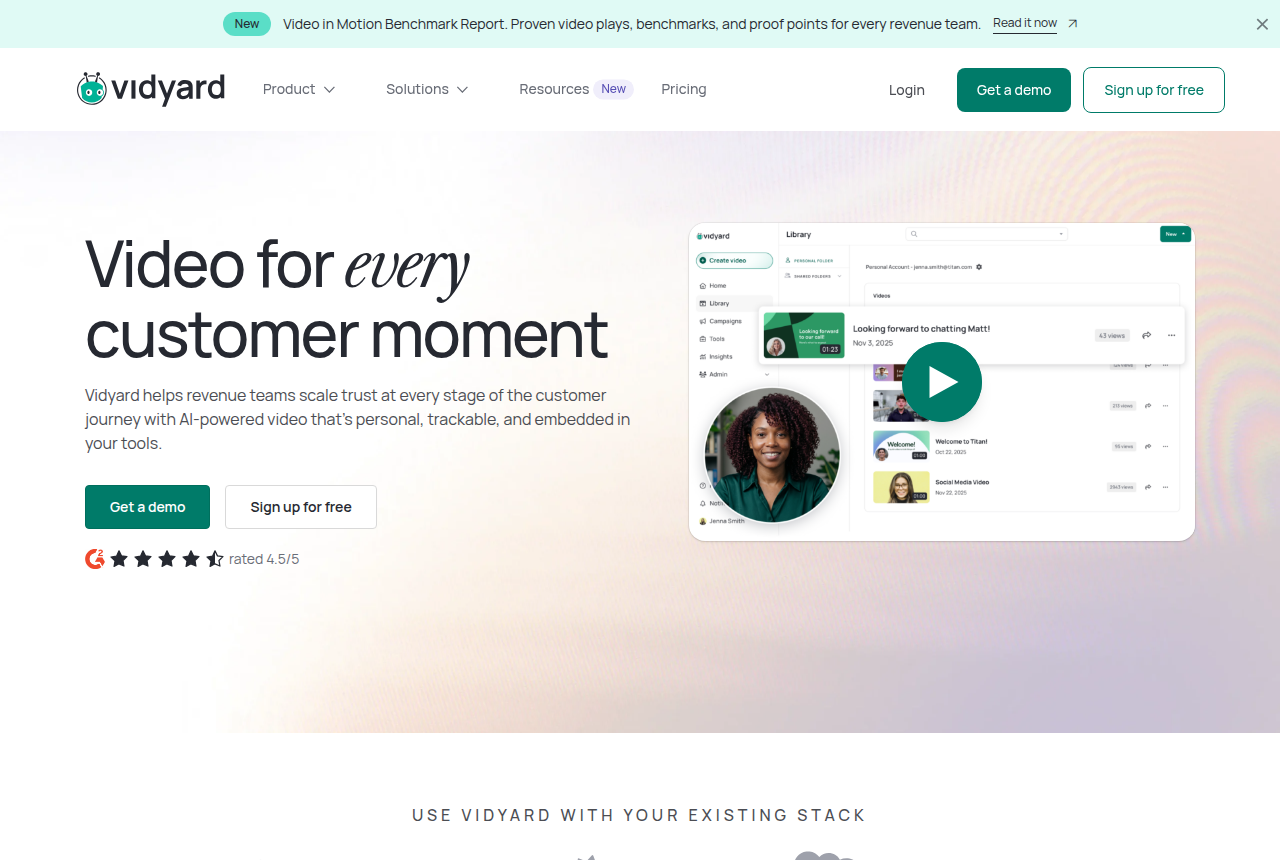
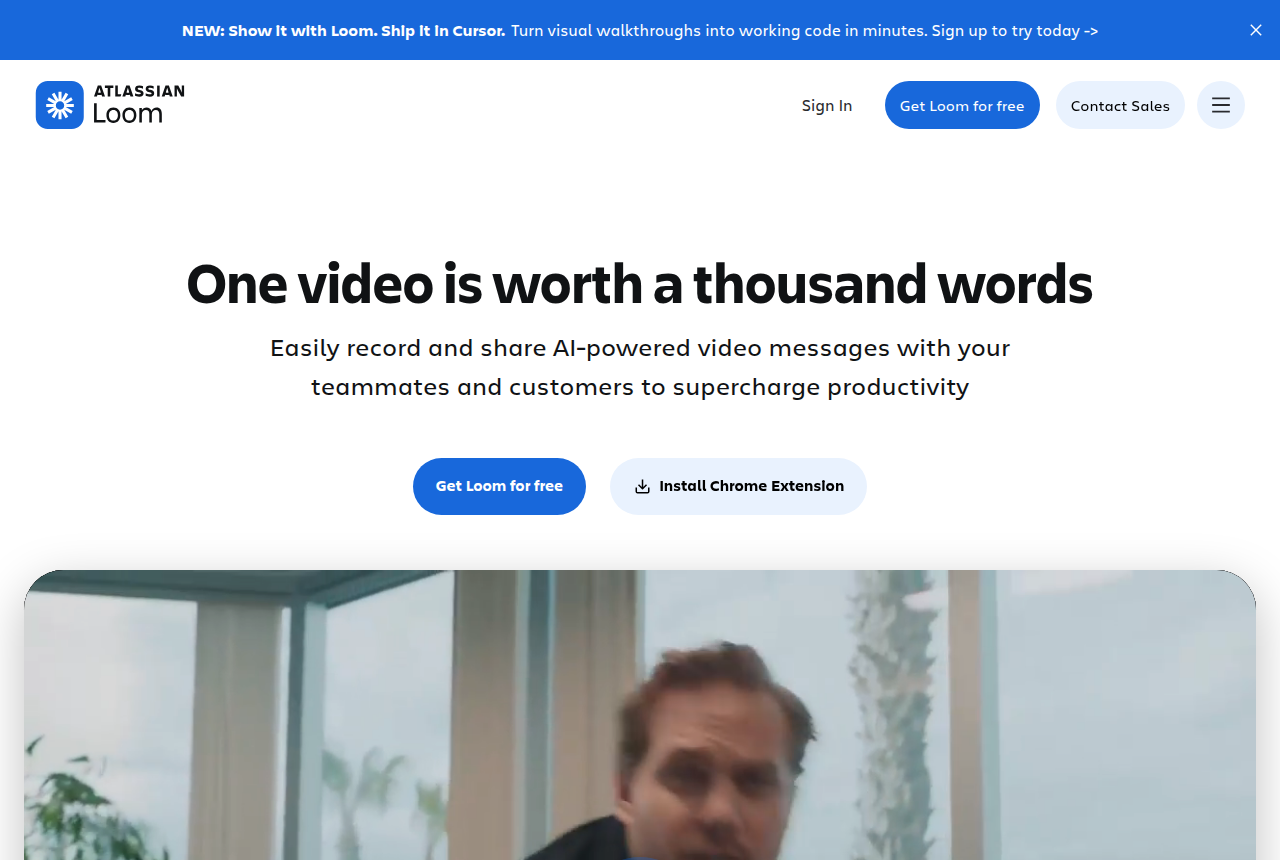
Vidyard describes itself as video for revenue teams, personal and trackable and embedded in the tools a sales team already runs, with separate lines for video messages, hosting, hubs and an AI Video Agent. Loom pitches recording and sharing AI-powered video messages with teammates and customers, and its use cases run across sales, engineering, support and design. Loom's own comparison page draws the line for you: it labels itself best for communicating with your team and converting prospects, and labels Vidyard best for sales prospecting.
VSLBench reads each vendor's pricing pages and long-term user reports. We do not run live tests.
One caveat before the details: neither of these is a player for a video sales letter on a landing page, and neither is a host that ties paid traffic to purchases. If that is your video, the hosting comparisons under Related reading fit better.
Quick answer
Pick Vidyard if you need per-viewer sales analytics, branded hosting and a path to CRM-connected video on a paid revenue-team plan; pick Loom if you need the cheapest fast rollout of screen-and-camera async video across a team, with strong editing and AI on Business + AI.
- Vidyard. Video messages, hosting and automation for revenue teams. Starter brings full video and team performance analytics, plus share pages that carry your brand. CRM and marketing-automation sync starts on Teams.
- Loom. Async screen-and-camera video for the whole company. Business removes the length and video caps, and Business + AI adds summaries, chapters and editing by transcript. Salesforce sits on Enterprise, in beta.
Vidyard vs Loom at a glance
Prices and plan features checked on the vendors' own pages on 12 October 2026.
| Feature | Vidyard | Loom |
|---|---|---|
| What it is | Video messages, hosting and automation for revenue teams | Async screen-and-camera video for teams and customers |
| Built for | Sales and marketing teams tracking who watched | Whole-company communication, sales as one use case |
| Free plan | 5 regular and 15 AI videos a month, up to 30 min each, no hosting, no card | Up to 50 members, 25 videos each, 5 min cap, 720p |
| Paid entry seat | Starter $59/mo billed annually, $89 monthly | Business $18 per user per month |
| Next tier up | Teams, quoted by sales | Business + AI |
| Recording on paid | Unlimited recording on Starter | Unlimited videos and recording time on Business |
| Viewer analytics | Full video analytics plus team performance analytics on Starter | Exportable engagement insights on Business |
| Branding | Branded share page and CTA templates on Starter | Remove Loom branding on Business |
| Password protection | Starter and up | Business and up |
| AI | Video Agent, an add-on to Starter | Auto titles, summaries, chapters, edit by transcript on Business + AI |
| CRM sync | Teams and up: Salesforce, HubSpot, Marketo | Salesforce on Enterprise, in beta |
| Best for | Rep video where watch data has to reach the pipeline | Fast, cheap video across every team |
Strengths and trade-offs
Vidyard earns its price when a manager needs to see which reps' videos get watched and, on Teams, send that viewing data to the CRM. Loom earns its place when everyone in the company should be able to record in a minute without a procurement fight. Here is what each does well and where each falls short.
Vidyard: what works, what to watch
What works
- Per-viewer analytics show who opened a video and how long they watched, which reviewers name as the reason they stay
- Starter adds hosting, a branded sharing page, CTA templates and password-protected videos to unlimited recording
- Team performance analytics let a sales manager see which reps' videos get watched
- The Video Agent add-on generates automated AI videos per seat for scaled outreach
- A free plan with no card lets a rep try recording before anyone signs a contract
What to watch
- Per-seat licensing means the bill grows with every rep you add, and some sales ops users call it overpriced
- CRM and marketing-automation sync starts on Teams, which has no public price. Starter users export watch data by hand
- Reviewers report the Chrome add-in sometimes fails, and reps record from the browser
- The free plan caps recording at five videos a month and does not host them
- It has no sound-first autoplay, purchase-scored split test or cart postback, so a paid-traffic VSL needs a different player
Loom: what works, what to watch
What works
- Business gives unlimited videos and unlimited recording time on every seat
- Up to 4K recording, trim and stitch, branding removal, uploads and downloads on Business
- Business + AI adds auto titles, summaries, chapters and edit by transcript
- A free workspace for up to 50 members with 25 videos each and transcripts in 50+ languages
- Records on Mac, PC, iOS and Android, and a sales ops thread names it the tool to beat for internal and support walkthroughs
What to watch
- The free plan caps each screen recording at 5 minutes and 25 videos per person
- Salesforce integration is listed only on Enterprise, and in beta
- A sales ops lead who moved a team from Vidyard says Loom has no reporting on videos per rep or average watch time
- Its own comparison page frames it around team communication, with sales prospecting as Vidyard's lane
Pricing, tier by tier
Start with the free plans, since both have one and both exist to get you to a paid seat. Vidyard Free needs no card and allows 5 traditional videos and 15 AI videos a month, each up to 30 minutes, with no video hosting. Loom's free Starter workspace allows up to 50 members and 25 videos per person. Each screen recording stops at 5 minutes and plays at 720p, and transcripts come in more than 50 languages. If your team wants to try recording every day before it pays, Loom's free tier gives it more room.
The first paid tier is where the gap opens. Vidyard Starter is $59 per seat per month billed annually, or $89 month to month, with a 14-day trial. That buys unlimited recording, full video analytics, team performance analytics, video hosting, a branded sharing page, CTA templates, password-protected videos, folder management and custom backgrounds. Loom Business is $18 per user per month on its public pricing page, with annual billing saving up to 17 percent. It brings unlimited videos and recording time, up to 4K, trim and stitch, branding removal, uploads and downloads, password protection and exportable engagement insights.
AI is packaged differently on each side. Loom folds it into a tier: Business + AI at $24 per user per month adds Loom AI workflows, auto titles, summaries, chapters and editing by transcript. Vidyard sells its Video Agent as an add-on to Starter for unlimited AI-generated automated videos, at the same per-seat rate as Loom's AI tier on annual billing, or $29 paid monthly. A Starter seat with the Video Agent comes to $83 a month at the yearly rate.
The top of each ladder is where the CRM lives. Vidyard's pricing table puts CRM and marketing-automation data integrations, such as Salesforce, HubSpot and Marketo, on Teams and above, and marks data integrations as not included on Starter. Loom lists its Salesforce integration on Enterprise, in beta, and leaves it off Business.
Neither of those upper tiers carries a public price in what we recorded, so compare them only once both quotes are in writing.
Loom or Vidyard for sales: which job each one fits
Sales video covers three different jobs, and the answer changes with each. The first is cold outbound. A sales operations commenter on Reddit warns that most buyers now block external images and do not play the videos, which hits an embedded thumbnail from either tool the same way. No recorder fixes a blocked image, so buy neither expecting video alone to rescue a cold sequence.
The second is mid-funnel video to people who already know you: a recap after a demo, a walkthrough of a proposal, a personal answer to a question. Vidyard Starter sends each of those on a branded page with CTA templates and full analytics on who watched, and it adds a team view a manager can coach from. Loom Business records just as quickly, lifts the length cap and exports engagement insights, for under a third of what a Vidyard seat costs.
The third is getting watch data into the CRM so it counts as pipeline activity. That means Teams on Vidyard and Enterprise on Loom, where Salesforce is still marked beta.
Away from prospecting, the same Reddit thread names Loom as probably the best tool right now for internal video sharing and customer support walkthroughs, and a second sales ops thread calls Vidyard way overpriced. Those are single opinions and they measure no revenue. Purchase attribution is outside both products as well: a question about which ad click or cart order a viewer produced belongs to a different kind of video tool.
The verdict
For a sales or revenue operations lead choosing between these two for customer-facing video, Vidyard is our pick. Starter puts per-viewer and per-rep analytics and hosting on every seat, and Teams adds the CRM and marketing-automation sync that turns a watched video into a logged activity. Those features are what the Starter seat pays for, and they are why a sales team buys it over a general recorder.
Loom is the better buy for a team that mainly needs quick async screen video at a low price. Business removes the caps, the editor handles trims and stitches, and Business + AI writes the titles, summaries and chapters. For internal enablement, support walkthroughs and replies to existing customers, that covers most of what a rep records.
Decide by what has to happen once someone has watched. If the viewing data must reach the pipeline, choose Vidyard and plan for Teams. If the video is the whole message, choose Loom.
Our pick
Vidyard
Vidyard is the pick if you run a revenue team that needs per-viewer watch data and a path to CRM sync, while Loom fits teams that mostly need cheap, fast async video.
Frequently asked questions
Can I use Vidyard or Loom for cold email video?
Does Vidyard include CRM integration on Starter?
Is Loom enough for sales prospecting?
Which free plan is better for trying them out?
Do I need a top tier for Salesforce on either one?
Is either one a VSL player?
Sources
Other sources
8 discussions and reviews read for this page. Quotes are excerpts; open a link to read the original in context.
Related reading
- Read the Vidyard review: sales video with per-viewer analytics
- Read the Loom review: async screen-and-camera video for teams
- All head-to-head comparisons
- Wistia vs Vimeo for hosted marketing video
- Wistia vs Mux when a marketer faces a developer API
- Wistia review, forms and CRM sync for marketing video
- Segment roundups for video hosting
- How we research these tools