Skip to content
Menu

Review

Cloudflare Stream review

Cloudflare's cheap, reliable, usage-priced video pipeline for developers. Whether it is real, what it really costs on its two-dimension bill, and the direct-response job it leaves entirely to you.

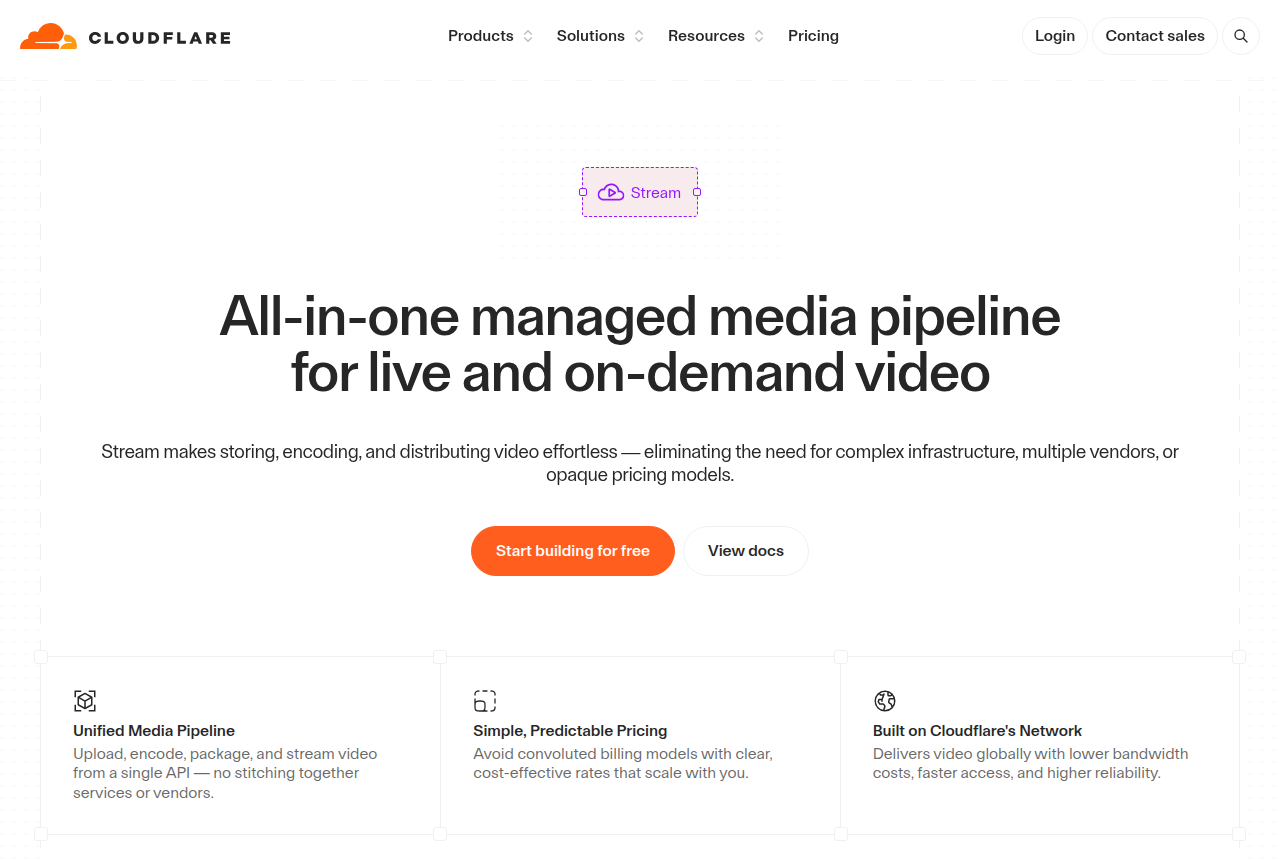
Cloudflare Stream product page with the Cloudflare logo, a headline about a managed media pipeline for live and on-demand video, and a 'Start building for free' button

By Marcus Vale, Lead reviewer. Reviewed by the VSLBench editorial desk. Last updated 27 September 2026, with prices rechecked every 90 days.

Starts at
Usage-based; a free tier, no card
Delivery
$1 per 1,000 minutes delivered (egress included)
Storage
$5 per 1,000 minutes stored a month
Live streaming
RTMP and SRT ingest, HLS and DASH output
Interface
Developer API and dashboard, no marketing tools
Sales-scored A/B
No, and no revenue attribution

Quick answer

Cloudflare Stream is our top pick for most people. Cloudflare Stream is the pick if you are a developer who wants cheap, reliable video hosting and live streaming on one API, and you are happy to build everything above the player yourself. It is infrastructure, not a marketing tool. Upload, encoding, storage, a built-in player and global delivery run through a single API, priced on two dimensions only, storage and delivery, with encoding and egress included at no extra charge, so there is no separate bandwidth bill. It runs on the network behind a large share of the web, so reliability is a given. What it does not have is the direct-response layer this site measures tools against: no sales-scored split tests, no watch-depth pixels to Meta or Google, no revenue attribution, and no marketing player. On a paid-traffic sales letter those are the whole job, so Stream fits only if you pair it with your own tracking or a dedicated VSL player. The cautions are operational: there is no built-in spend cap, and support is thin below Enterprise.

  • Cloudflare Stream. Best for developer video, priced by usage. From $5/mo.

You have seen Cloudflare Stream come up as a cheap, reliable way to host and stream video, and for a trust question it is almost the easy case: is it real, and will you regret it? Stream is a first-party Cloudflare product, launched in 2017 and running on the network behind a large share of the web. It is not going to disappear, and it is not going to fall over under load. The risk here is not that it is a scam. It is that Stream is a very different kind of product from a VSL player, and buying it expecting a marketing tool is where the regret comes from.

Stream is video infrastructure. Through a single API it takes your upload, encodes it, stores it, streams it live over RTMP or SRT, and delivers it worldwide through a built-in player or your own. The billing is unusually clean: two dimensions only, $5 per 1,000 minutes stored a month and $1 per 1,000 minutes delivered, with encoding and egress free, so there is no separate bandwidth line and no opaque tier to decode. For a developer building a video feature into a product, a course platform or an events site, that is a genuinely good deal and a genuinely reliable pipe.

Where a direct-response marketer has to be careful is the conversion layer, because Stream has none of it. There is no split test scored on sales, no watch-depth pixel fired to Meta or Google, no revenue attribution, and no marketing player. There is not even a no-code dashboard to build a funnel in: Stream is driven through an API and your own code. On a paid-traffic sales letter those missing pieces are the whole game, so Stream fits only if you are willing to build the conversion tooling on top of it. This review is about telling infrastructure and a VSL player apart, and about the two cautions, a runaway bill and thin support, that even happy Stream users raise.
What works

  • Usage-based and genuinely cheap: $5 per 1,000 minutes stored a month and $1 per 1,000 minutes delivered, with encoding and egress free, so there is no separate bandwidth charge
  • One API runs the whole pipeline: upload, encode, store, deliver, a built-in player or your own, plus RTMP and SRT live ingest with HLS and DASH output
  • Runs on Cloudflare's global network, the infrastructure behind a large share of the web, so reach and reliability come as standard
  • Predictable billing on two dimensions only, minutes stored and minutes delivered, with no card required to start and no opaque plan tiers
  • Privacy-clean playback with no ads or trackers, plus signed URLs and token access for gated content

What to watch

  • No direct-response conversion layer at all: no sales-scored A/B tests, no watch-depth pixels to Meta or Google, no revenue attribution and no marketing player, so a paid-traffic VSL has to build every one of those on top
  • It is a developer product you drive through an API and your own code, so a marketer who wants a no-code dashboard to click through will find nothing here
  • No built-in spending cap: a spike in delivery or unlimited end-user streams can run the bill up, and long-term Cloudflare customers report blunt overage and billing handling, so you have to watch usage yourself
  • Reviewers report encoding is H.264 only and delivery caps at 1080p, with no 4K and no re-download of the original file, which matters if you need higher quality or the source back
  • Support is slow and hard to reach on Free and Pro plans, with real help sitting behind an Enterprise contract

What users actually say about Cloudflare Stream

Research: unverified

Cheap, predictable, all included delivery ↑ frequently praised

Reviewers agree Stream's two-line pricing (minutes stored plus minutes delivered, with encoding, packaging and bandwidth included) is simple and cost-effective for a global audience, and that the Cloudflare network delivers reliably at scale.

“reliable video hosting at competitive per-minute pricing with free encoding”

MakerStack Blog

“Stream wins on price simplicity; Mux wins on advanced features.”

LiveAPI Blog

Thin analytics and no conversion layer ↓ common complaint

Third-party reviewers flag that Stream's analytics lack drop-off points, heatmaps, per-viewer breakdowns and completion rates. It wins on price simplicity but not on advanced marketing features, which is a problem for anyone judging a video on how it sells.

“missing key indicators such as drop-off points, heatmaps, per-viewer breakdowns, completion rates, latency metrics and usage analytics”

LiveAPI Blog

“Stream wins on price simplicity; Mux wins on advanced features.”

LiveAPI Blog

No studio grade DRM ↓ common complaint

Protection is limited to signed URLs and token access; reviewers note the absence of Widevine/FairPlay DRM and dynamic watermarking that paid hosts offer.

“no DRM and dynamic watermarking”

Gumlet Blog

No hard spending cap means bill risk ↓ common complaint

Delivery is post-paid with no built-in spending cap, and users have filed feature requests asking Cloudflare to add one to prevent unexpected charges from traffic spikes or leaked URLs.

“Add a monthly spending cap feature to prevent unexpected charges”

Cloudflare Community Blog

Support and live stream reliability edge cases ↓ common complaint

Users report weeks-long waits on support tickets and recurring 'Video not found' errors where a live input connects but the player fails to play, with thin documentation to self-diagnose.

“Ask HN: Has anyone been able to contact Cloudflare Support in the last 5 days?”

Hacker News Hackernews

“Video not found for live stream”

Cloudflare Community Blog

What users say

The praise is consistent and it is about simplicity and cost. Developers reach for Stream because one API handles the whole pipeline and the bill is predictable, and they keep pointing out that it is not only a live-streaming tool. As one Hacker News commenter put it, "Cloudflare Stream isn't just for live-streaming, it's for generic video hosting." Others weigh it as the cheap, reliable option when they price out hosting a large library, and note there are no ads and no trackers on playback. For a developer who wants a pipe rather than a platform, that is exactly the appeal.

The criticism is worth taking seriously, and it is operational rather than about playback. The recurring worry is the bill: there is no built-in spending cap, so delivery costs accrue as videos play. One long-running Cloudflare customer opened a thread, flatly, "Cloudflare billing is pretty crazy," describing blunt overage handling on a contract. Support is the other note: on Trustpilot, reviewers on the Free and Pro tiers describe it as "completely unhelpful and unresponsive," with real help reserved for Enterprise. None of that says avoid Stream. It says budget for a cap you set yourself, and do not count on hand-holding below an Enterprise contract.

Pricing

Prices read on Cloudflare's own Stream pricing documentation on 27 September 2026. There are no plan tiers. Stream bills on two dimensions only, and encoding and egress are free, so bandwidth is already inside the delivery figure.

What you pay for Cloudflare Stream Notes
Encoding Free Ingress and transcoding into multiple bitrates are always free
Storage $5 / 1,000 min Prepaid, per month, by video duration not file size; live recordings count too
Delivery $1 / 1,000 min Postpaid, by minutes watched; egress and bandwidth are included, no extra fee
Media Transformations $0.50 / 1,000 Clips, thumbnails and resizing; 5,000 unique operations free each month
Enterprise Custom Volume pricing for millions of minutes a month, quoted through sales

The vendor's worked example: two people each watching 30 minutes is 60 minutes delivered, or about $0.06. There is no built-in spending cap, so a spike in delivery keeps billing; watch usage on the dashboard and set your own limits. Client-side buffering counts as delivery, while video served from the browser cache does not. You can start free with no card, and Pro and Business Cloudflare plans include a small monthly allowance of free storage and delivery minutes.

Changelog

  • 27 Sep 2026 — First published. Read Cloudflare's own Stream product and pricing-documentation pages for what it is and what it costs, confirmed the two-dimension billing model with encoding and egress free, gathered long-term user reports from Hacker News, the Cloudflare community forum and Trustpilot on billing, the missing spend cap and support tiers, captured the product page, and verified the per-minute prices shown.

Frequently asked questions

Is Cloudflare Stream legit?
As real as it gets. Cloudflare Stream is a first-party Cloudflare product, launched in 2017, running on the same global network that carries a large share of the world's web traffic. Reliability and reach are not the question with Stream. The question is whether it does the job you are hiring it for: it is developer video infrastructure, not a marketing or VSL tool.
Is Cloudflare Stream good for a VSL?
Only as the delivery layer. Stream hosts, encodes, live-streams and plays back video cleanly and cheaply, but it has no split test scored on sales, no watch-depth pixel to Meta or Google and no revenue attribution. On a paid-traffic sales letter those are the whole job, so you would pair Stream with your own tracking and a player that provides them, or use a dedicated VSL player instead.
How much does Cloudflare Stream cost?
It bills on two dimensions only: $5 per 1,000 minutes of video stored a month, and $1 per 1,000 minutes delivered (checked 27 September 2026). Encoding and egress are free, so there is no separate bandwidth bill, and there is a free way to start with no card. As a worked example from the vendor, two people each watching 30 minutes of a video is 60 minutes delivered, or about $0.06. Model your real minutes stored and delivered, because the bill tracks them.
Can Cloudflare Stream bills run away on me?
That is the one operational caution. There is no built-in spending cap, so a spike in delivery or a video left open to unlimited end-user streams bills as it plays, and users on the Cloudflare community forum have asked for a hard cap that does not exist. Watch usage on the dashboard, and if you run untrusted or high-volume playback, put your own rate limiting in front of it.
Does Cloudflare Stream support 4K?
No. Reviewers report that Stream encodes to H.264 only and caps delivery at 1080p, downscaling anything higher, and it does not hand back the original uploaded file, only re-encoded exports. For most marketing and course video 1080p is plenty, but if you need 4K delivery, HDR or the source file back, Stream is the wrong host.

Sources

From Cloudflare Stream

Other sources

6 discussions and reviews read for this page. Quotes are excerpts; open a link to read the original in context.

  1. [] Cloudflare Stream (vendor) Blog
  2. [] Cloudflare Stream pricing (vendor docs) Blog
  3. [] Cloudflare Stream is for generic video hosting, not only live (Hacker News) Hackernews
  4. [] Cloudflare billing is pretty crazy (Hacker News) Hackernews
  5. [] Cloudflare on Trustpilot Trustpilot
  6. [] Cloudflare Stream Pricing 2026 (Very Good FFmpeg) Blog

Related reading

Marcus Vale

Written by

Marcus Vale

Lead reviewer

Marcus Vale runs the VSLBench review desk. He has spent years buying paid traffic to video sales letters, and he now reads the player docs, pricing pages and long-term user reports to work out which tools actually move sales instead of just counting views. He writes the player and attribution reviews here, and he is the reason every ranking has to name the tool it is wrong for.

marcus@vslbench.com

Last checked 2026-09-28