1. Vidyard, best Loom alternative for outbound sales video with watch data
Free plan to try recording. Read our full Vidyard review.
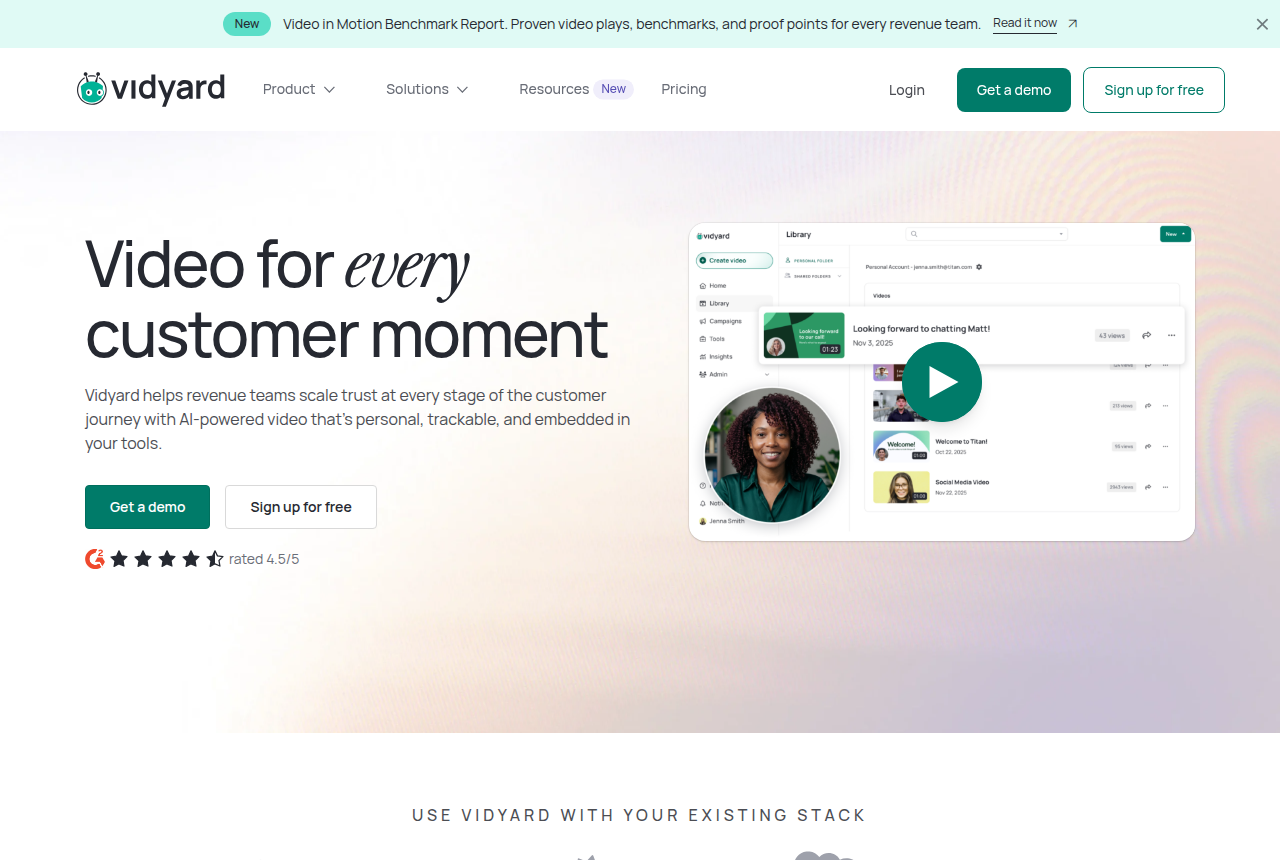
Vidyard is where most sales teams look first when Loom stops answering their manager's questions, and the reason is the reporting. Starter keeps the record-and-share habit reps already have and adds unlimited recording, full video analytics, team performance analytics, hosting, a branded sharing page and password-protected videos. The team view is the piece Loom lacks: a manager can see which reps send video and whose videos get watched.
Viewer identity is the other argument. Vidyard says its in-browser technology identifies every recipient, while Loom names only viewers who are signed in to Loom and shows the rest as anonymous. That is the vendor's own claim on its comparison page, so weigh it as such, but it matches what sales ops users describe: with Loom, a prospect's view often arrives without a name attached.
The cost is the objection you will hear in every thread. Vidyard licenses per seat at several times the price of Loom Business, and one sales ops commenter answered a Loom-or-Vidyard question with a flat warning that it is way overpriced. The CRM catch makes that sharper. Vidyard's pricing table puts CRM and marketing-automation sync on Teams, which has no public price, so on Starter the watch data stays in Vidyard unless someone exports it. If Salesforce or HubSpot is the reason you are leaving Loom, budget for Teams and get the quote before you move anyone. I’d run Starter with two or three reps first and judge it by whether the manager actually uses the team view.
The two tools are close enough that we compare them line by line elsewhere. The Vidyard vs Loom comparison covers recording limits, AI features and which team each suits.
What works
- Per-viewer analytics show who opened a video and how long they watched, which reviewers name as the reason they stay
- Starter adds hosting, a branded sharing page, CTA templates and password-protected videos to unlimited recording
- Team performance analytics let a sales manager see which reps' videos get watched
- The Video Agent add-on generates automated AI videos per seat for scaled outreach
- A free plan with no card lets a rep try recording before anyone signs a contract
What to watch
- Per-seat licensing means the bill grows with every rep you add, and some sales ops users call it overpriced
- CRM and marketing-automation sync starts on Teams, which has no public price. Starter users export watch data by hand
- Reviewers report the Chrome add-in sometimes fails, and reps record from the browser
- The free plan caps recording at five videos a month and does not host them
- It has no sound-first autoplay, purchase-scored split test or cart postback, so a paid-traffic VSL needs a different player